
Cloud Fracture
07:59Lo-FiCloud TrapBreakcore
 DoreArt AI
Whether you have a melody in your head, words on a page, or a video that needs the right sound, DoreArt AI is an AI music generator that takes your idea to a finished track. Describe the mood, write the words, or switch to instrumental — then listen and download.
Listen to tracks made with an AI music generator. Each one started as a simple prompt and became a full arrangement — melody, rhythm, and vocal or instrumental detail included. Press play to hear the range of styles, then try your own.





Use a quick description when you want to move fast, or add lyrics, style, vocal preferences, and instrumental settings when the details matter. Start simple, then add specifics as the idea takes shape.
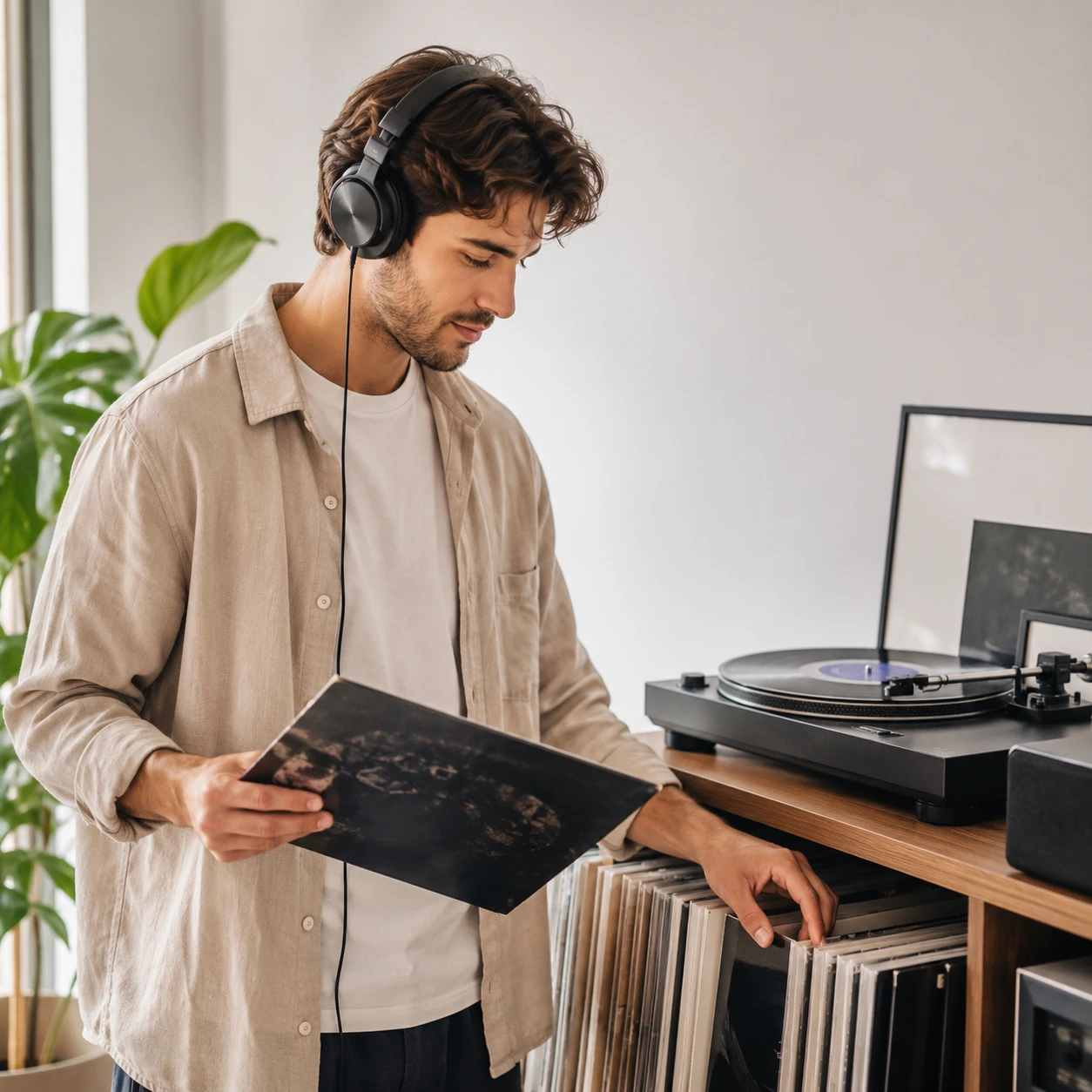
DoreArt AI gives you a clear path from rough idea to finished track: describe it, listen, revise, and pick the version that fits. Use the AI music generator for a background track, a production sketch, or a starting point for a full song.
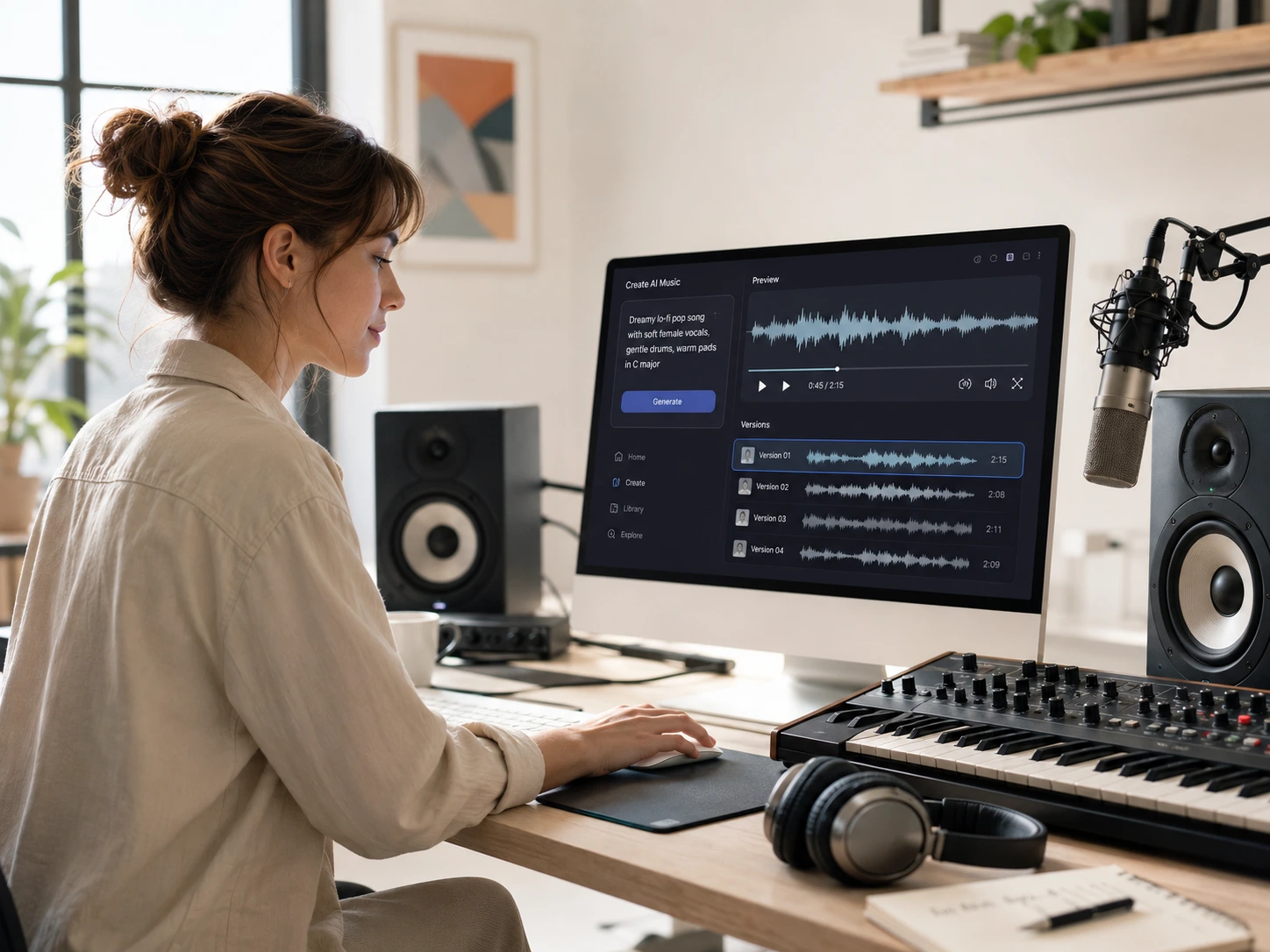
Context matters when you need music for a video, podcast, game, or demo. Generate a track with the AI music generator, play it alongside your edit, and judge whether the pacing and instrumentation actually fit.
Use an AI music generator with lyrics when words and vocal phrasing matter. Choose instrumental mode for background music, game loops, study playlists, and audio transitions.
Generate a few versions, compare the groove and tone, then adjust your prompt or settings. An early draft gives you something real to react to.
Try the AI music generator free tier to test your first prompt and hear what it produces. Paid plans add more credits and production options for regular use.
The AI music generator keeps the workflow simple: describe, choose, listen, and keep what works. It fits a quick sketch just as well as a detailed song brief, and you do not need to learn any production tools to get started.
Start with description mode for a quick draft, or open custom mode when you already have lyrics, a title, a genre, or a clear instrumental direction.
Tell the AI music generator the mood, audience, setting, pace, and instruments. Specific context beats a list of genre names.
The AI music generator composes melody, rhythm, arrangement, and vocal or instrumental performance. Treat the first result as a draft and compare options.
Preview your tracks, save the version you want, and download in your plan's available format. Check your current terms before publishing or sharing the track.
Projects need different kinds of music. The AI music generator moves you from a blank timeline, level, episode, or lyric sheet to a real audio draft. Be clear about what the music is for, and the first result gives you a concrete starting point.
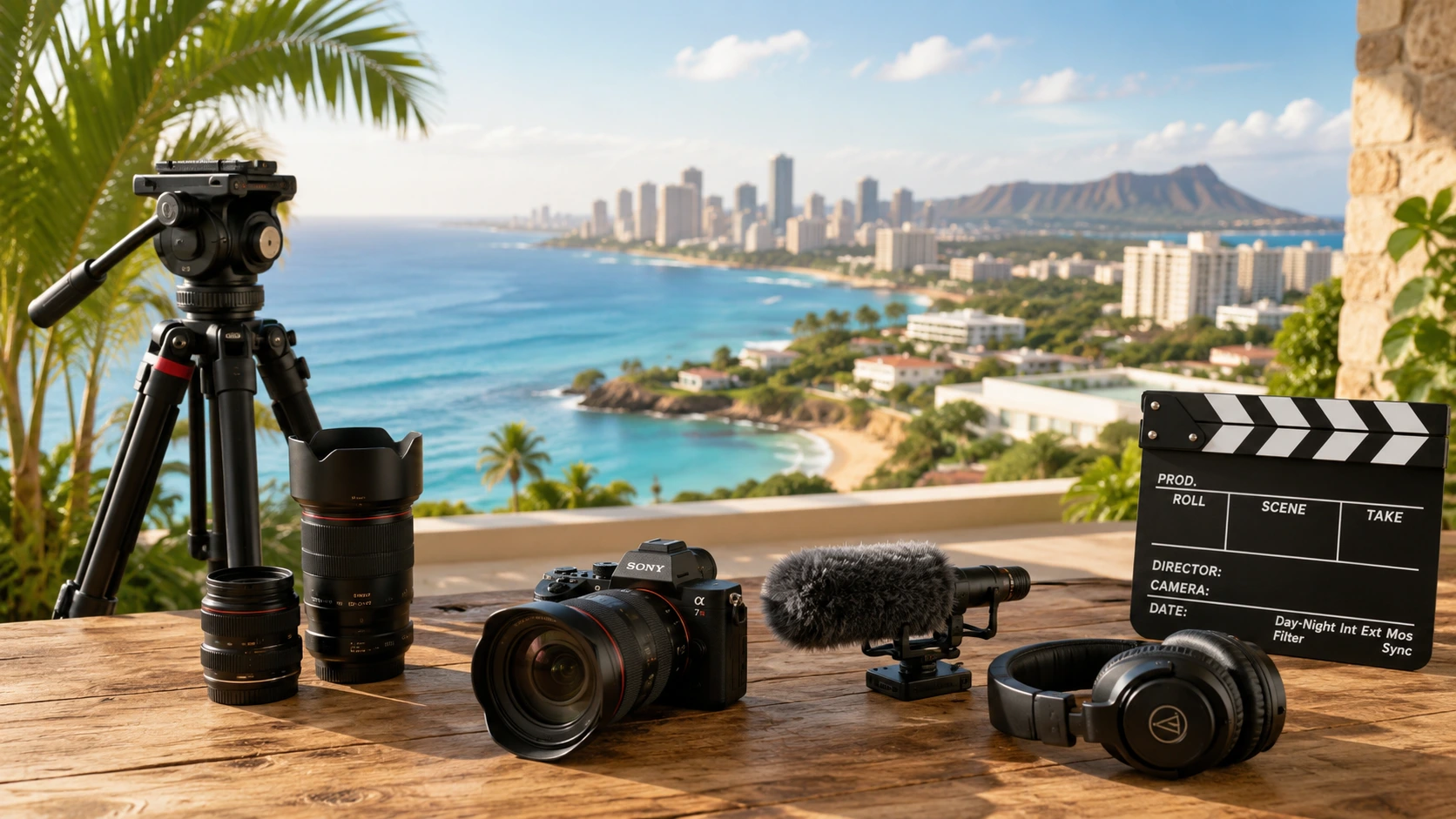
The challenge
An edit can lose momentum when stock tracks feel generic or the wrong length.
With DoreArt AI
Use an AI music generator for videos when stock tracks feel too generic or mismatched to the cut. Describe the pace and mood of the edit, then adjust the prompt until the track fits the feel.
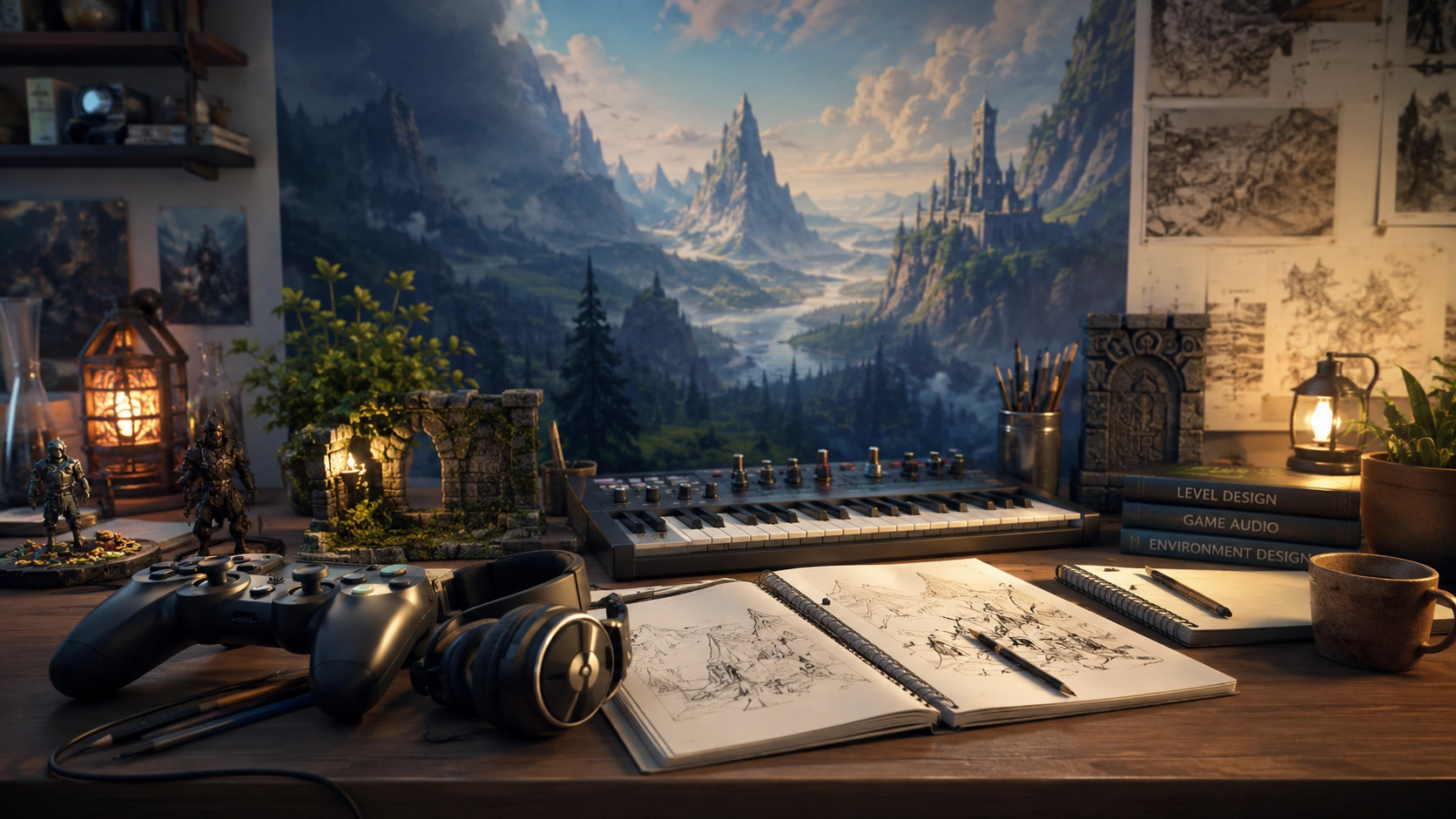
The challenge
A game may need loops for every mood, level, and boss fight without a large music budget.
With DoreArt AI
Use an AI music generator for instrumental menus, exploration themes, boss encounters, ambient rooms, and loops. Describe the player's state and what the level should feel like, then compare a few variations.
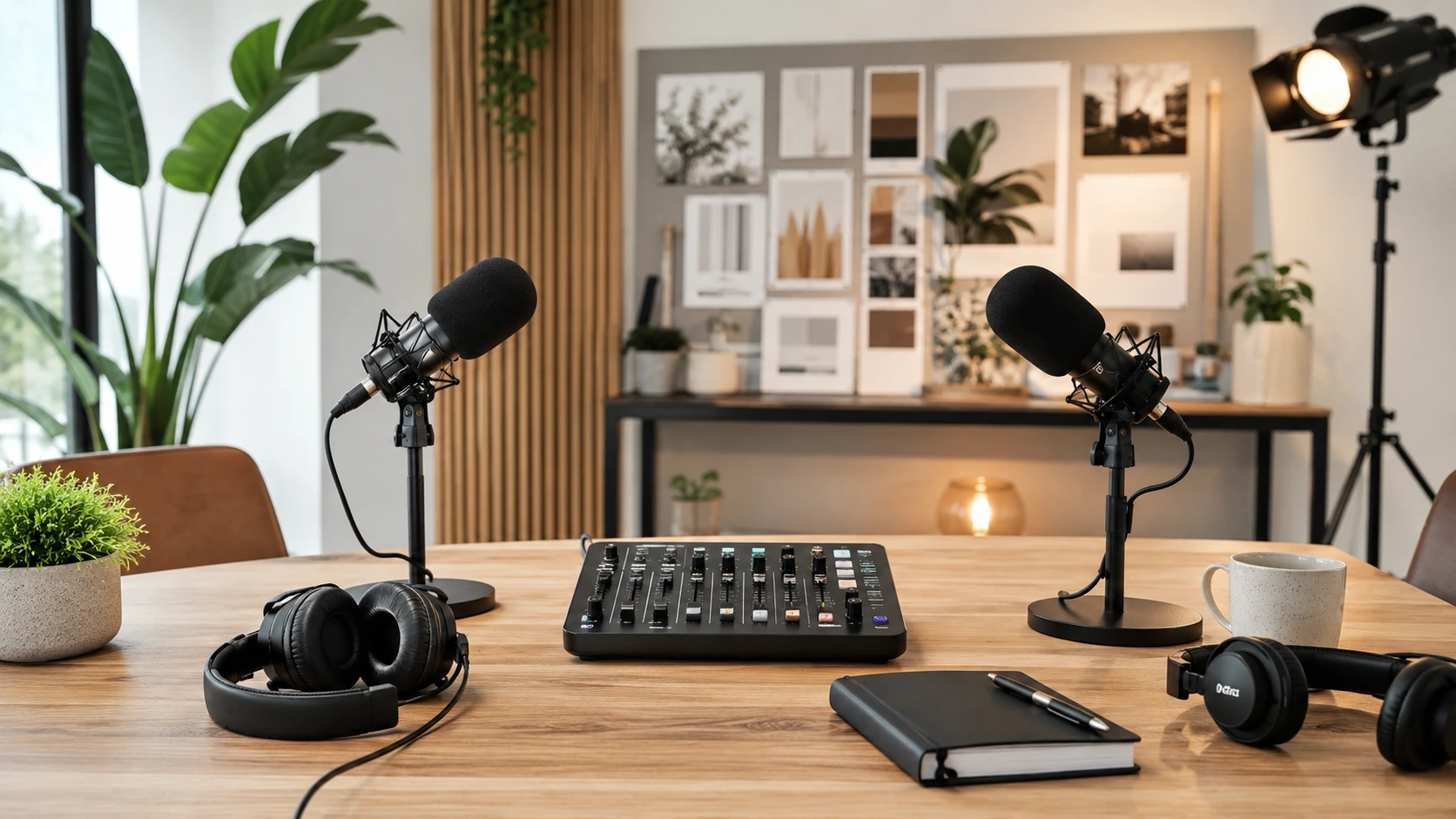
The challenge
Finding the right intro, transition, and background music can take longer than expected.
With DoreArt AI
Create an intro, outro, transition, or signature audio moment without searching through generic libraries. The AI music generator lets you try different moods and styles before locking in the sound for your show or campaign.
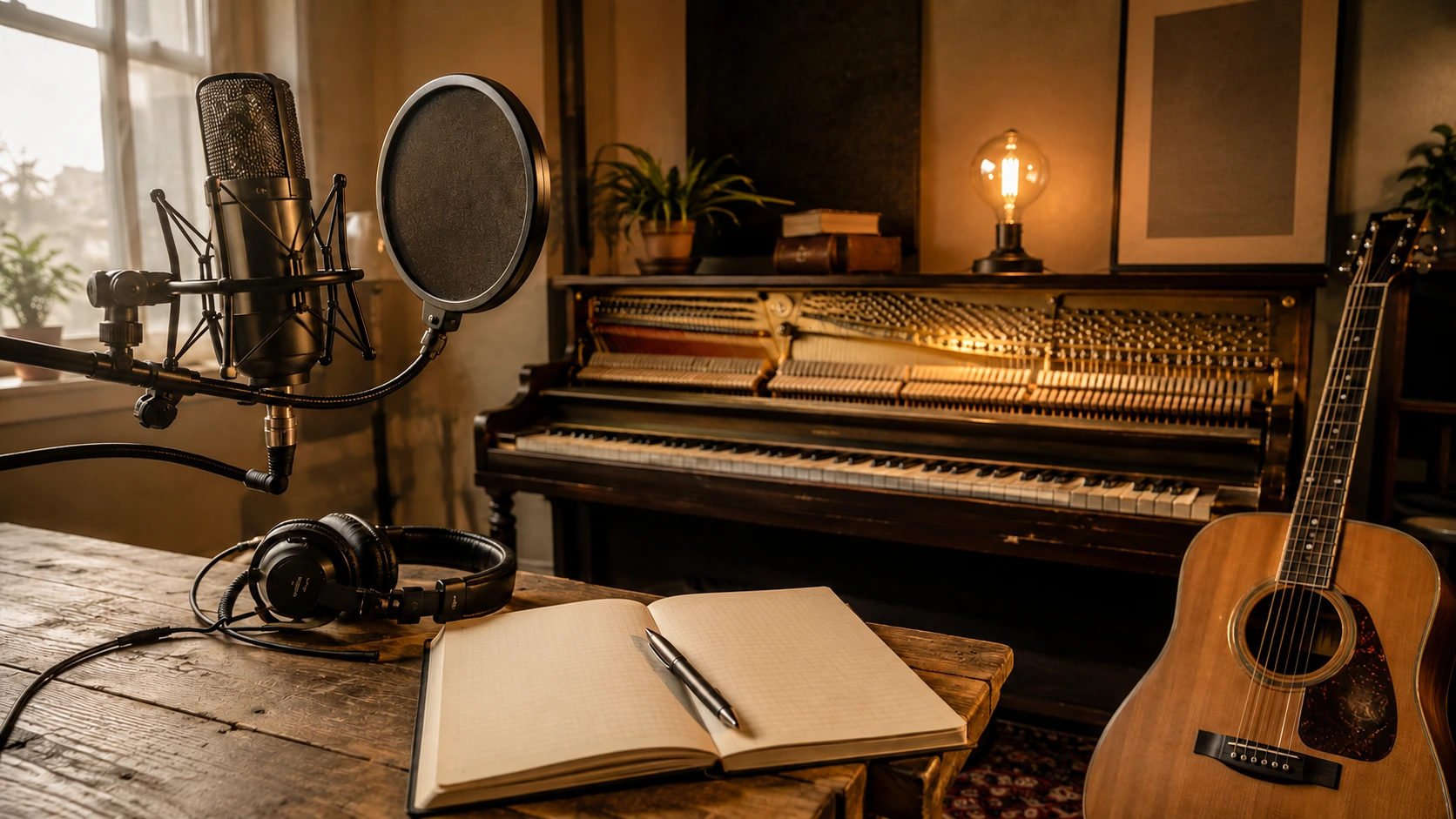
The challenge
A lyric can look finished on the page but be hard to hear as a melody.
With DoreArt AI
Use the AI song generator as a sketchpad. An AI music generator can help you bring a lyric to life, try another genre, or hear the harmony before you record or rewrite.
Here is what to know about using an AI music generator for songs, lyrics, instrumental tracks, audio projects, and early creative experiments.
An AI song generator is a tool that takes a mood, genre, story, title, or lyric and turns it into a new musical draft. DoreArt AI is an AI music generator that shapes your input into melody, rhythm, arrangement, and vocal or instrumental performance.
DoreArt AI combines prompts, lyrics, style controls, instrumental settings, previews, and downloads in one workflow. It gives beginners an easy starting point while letting you add detail as your brief gets more specific. Use the AI music generator and keep refining until the output matches what you had in mind.
Yes. Describe a scene, feeling, or practical need in plain language — something like 'a soft piano background for a tutorial' or 'an upbeat electronic loop for a game menu.' You do not need to know chords or notation. The AI music generator handles the technical work so you can focus on whether the result fits.
DoreArt AI is free to start, so you can test a prompt and hear what the tool produces before upgrading. Credits, download formats, and commercial rights depend on your current plan.
Yes. Open the AI music generator in your browser and try it without installing anything. Sign in to activate your free credits — available formats and output limits depend on your current plan.
The audio can support a video, podcast, game prototype, social clip, presentation, or songwriting demo. Listen in context, check the format, and confirm your plan covers publication.
Yes. Paste your own lyrics or ask for a draft, then add [Verse] and [Chorus] markers. The model interprets the words as a new performance, so phrasing may vary.
Yes. Turn on Instrumental for music without lead vocals. If you are looking for AI music generator instrumental tracks, this mode works well for background music, game loops, study playlists, and production sketches. Describe its role clearly.
Try pop, hip-hop, electronic, rock, jazz, cinematic, ambient, acoustic, and more. The AI music generator can work with lyrics in different languages, though vocal accuracy and phrasing vary by model.
The free tier lets you try the AI music maker before paying for more capacity. Sign up, choose description or custom mode, and use the credits shown in the interface. Paid plans add generations and formats.
Yes. Paste lyrics you wrote or have permission to use, add a title and style, and choose vocals or instrumental output. The AI music generator can help you test cadence and melody; review pronunciation and phrasing.
It can be a solid loop starting point when you describe the length, energy level, and how it should end. The AI music generator can help you explore the idea, but listen carefully for the loop handoff and regenerate if the transition needs work.
Most tracks take a few minutes, though timing varies with demand, model choice, and how detailed your prompt is. The interface shows your task status. If the AI music generator does not match what you had in mind, change one or two specific details rather than rewriting the whole prompt.
Commercial use depends on your DoreArt AI plan, current terms, and rights to any lyrics or reference audio you provide. Review the applicable terms before releasing, licensing, or monetizing a track made with an AI music generator.
Each generation is a new model output based on your prompt, not a copy of a stock track. Similar results can appear, and any material you upload keeps its original rights. Review your AI music generator output before publishing.
Use an AI music generator to turn a sentence, lyric, or instrumental brief into something you can actually hear. Start free with DoreArt AI, and keep adjusting until the track sounds the way you had in mind.