
Midnight Coffee Thoughts
Lo-Fi Hip HopMellow Female Vocal
A curated lo-fi concept showing how a late-night reflection can become a relaxed, beat-led song direction.
Turn poems, choruses, or personal messages into song drafts with AI. Add your lyrics, choose a genre, mood, and vocal direction, then generate a track you can review in your music library. No instruments or production experience required.
The tracks below are curated product demos. They show how the lyrics to song generator can move from a quiet acoustic idea to a vivid electronic or orchestral direction; use them to compare vocal character, arrangement, and energy before creating your own draft.
These are curated product demos, not user testimonials. They illustrate different musical directions; results vary with the lyrics, model, and controls you choose.
A curated lo-fi concept showing how a late-night reflection can become a relaxed, beat-led song direction.

A curated orchestral-rock concept built around a dramatic fantasy monologue, with space for guitars, strings, and choir-like energy.
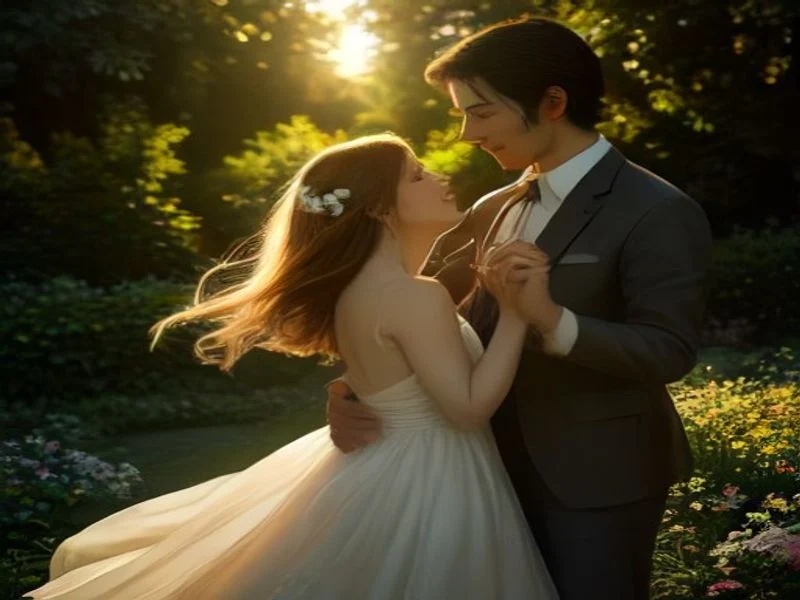
A personalized anniversary concept using an acoustic singer-songwriter direction and a warm vocal brief.
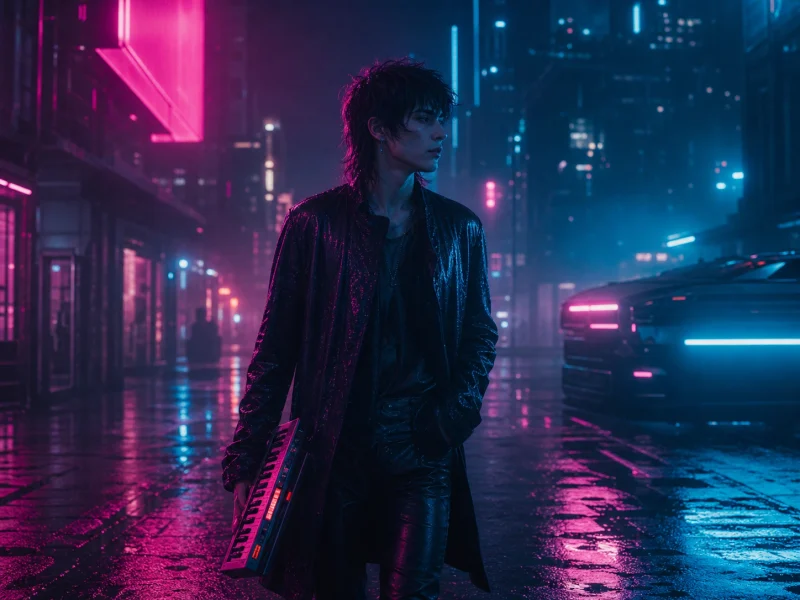
A synthwave concept for a game-world scene, with a retro-futuristic pulse to evaluate before committing to a full production.

An editorial education concept showing how a planetary-motion lesson could be organized as bright pop lyrics with a memorable musical hook.
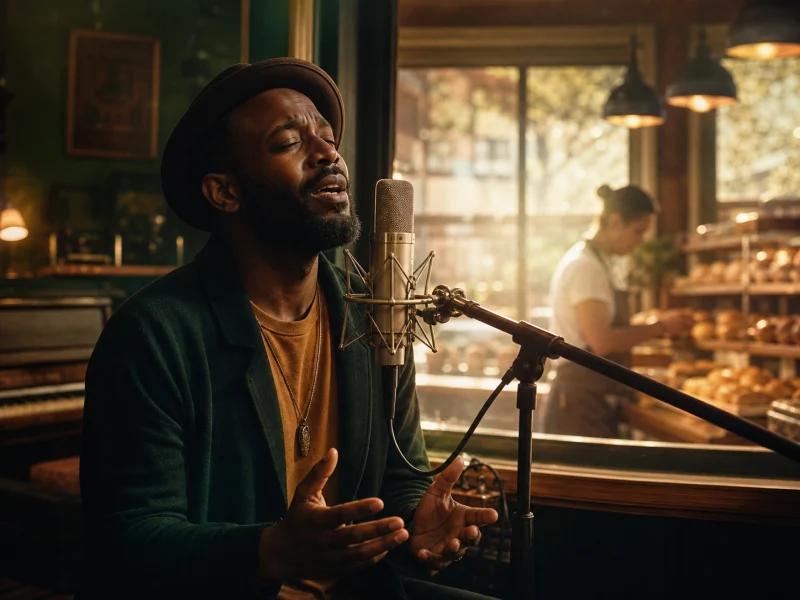
An editorial branding concept that turns a bakery's welcoming message into a warm, soulful jingle brief for short videos and local promotions.
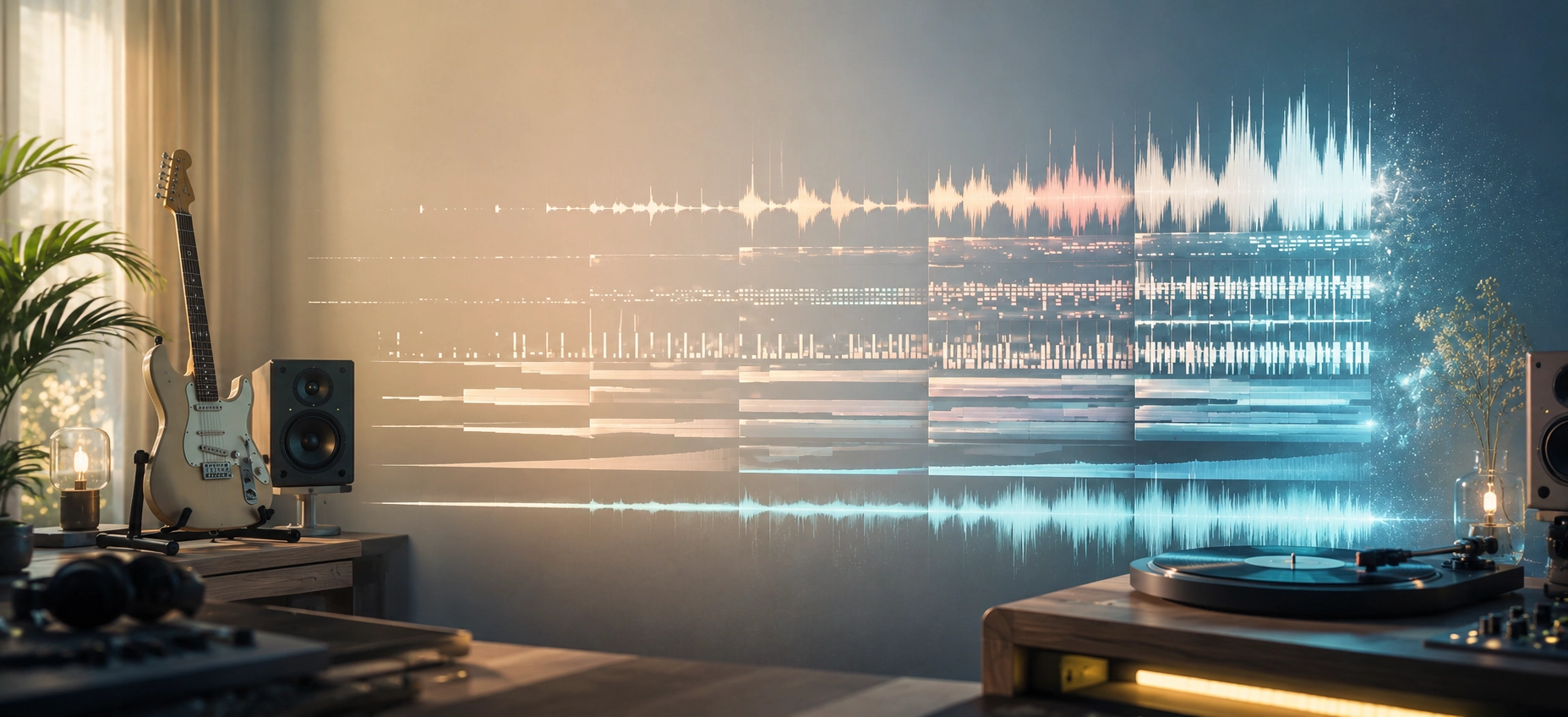
A structured production brief
Lyrics → melody → vocals → arrangement
The lyrics to song generator treats your words as the creative starting point. It uses the lyrics, title, genre, mood, voice, and tempo you provide to shape a musical direction, so you can evaluate the result instead of guessing how the words might sound.
A traditional music-production workflow can require separate composing, recording, mixing, and mastering stages. This lyrics to song generator brings the first pass into one browser workflow: prepare the words, define the sound, and send the brief for generation.
The first result is a draft, not a promise of a finished master. Listen for phrasing, pronunciation, melody, and arrangement, then revise the lyrics or controls and try another version when the song needs a different direction.
Analyze syllables, emotion, rhythm, and rhyme
Describe a melody direction around the cadence of your words
Plan the intended vocals, instruments, and arrangement
The workflow is useful when the words already exist but the melody, vocal direction, or arrangement still needs to be explored.
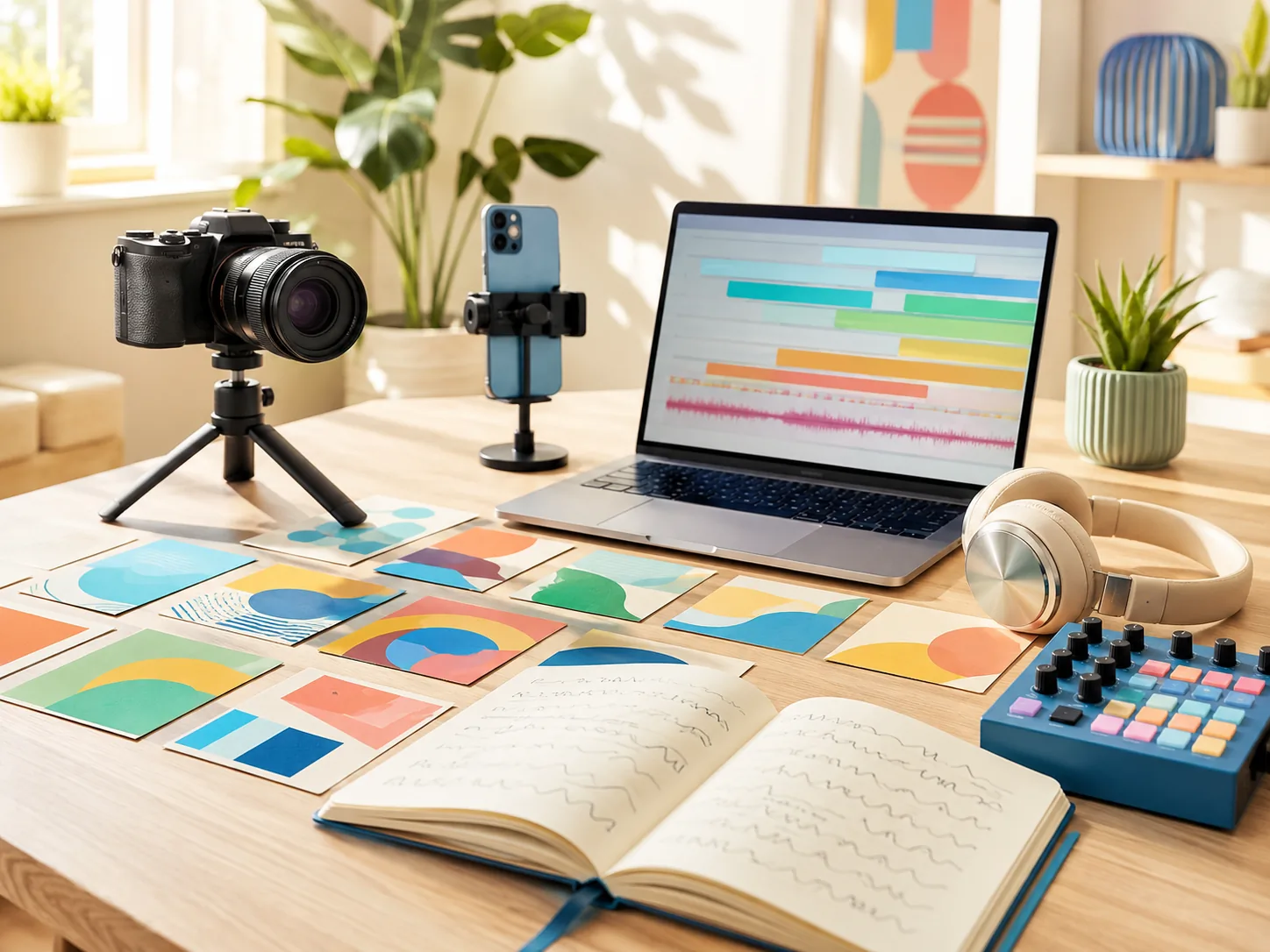
Create an original draft around a video's mood, pacing, or story. Confirm the rights and commercial terms for your plan before publishing.
Use the lyrics to song generator to test a hook, intro, or background idea before you edit the final video.

Turn a birthday message, wedding memory, or family story into a song direction that feels personal.
Provide the words and intended emotion, then let the lyrics to song generator create a draft you can review before sharing.
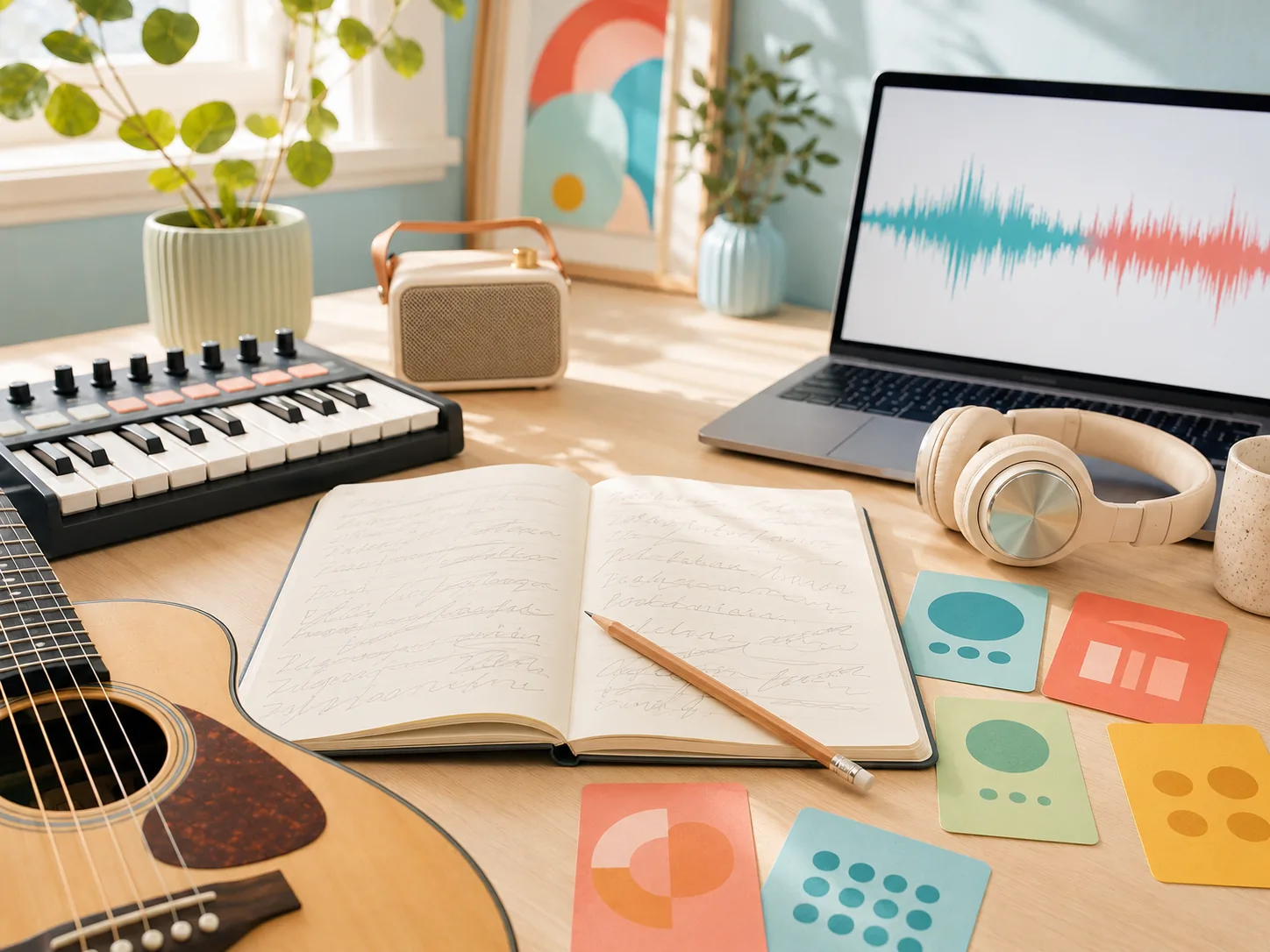
If you have verses but no arrangement, the lyrics to song generator can help you hear several possible directions.
Change one variable at a time—genre, tempo, voice, or phrasing—to compare useful drafts.
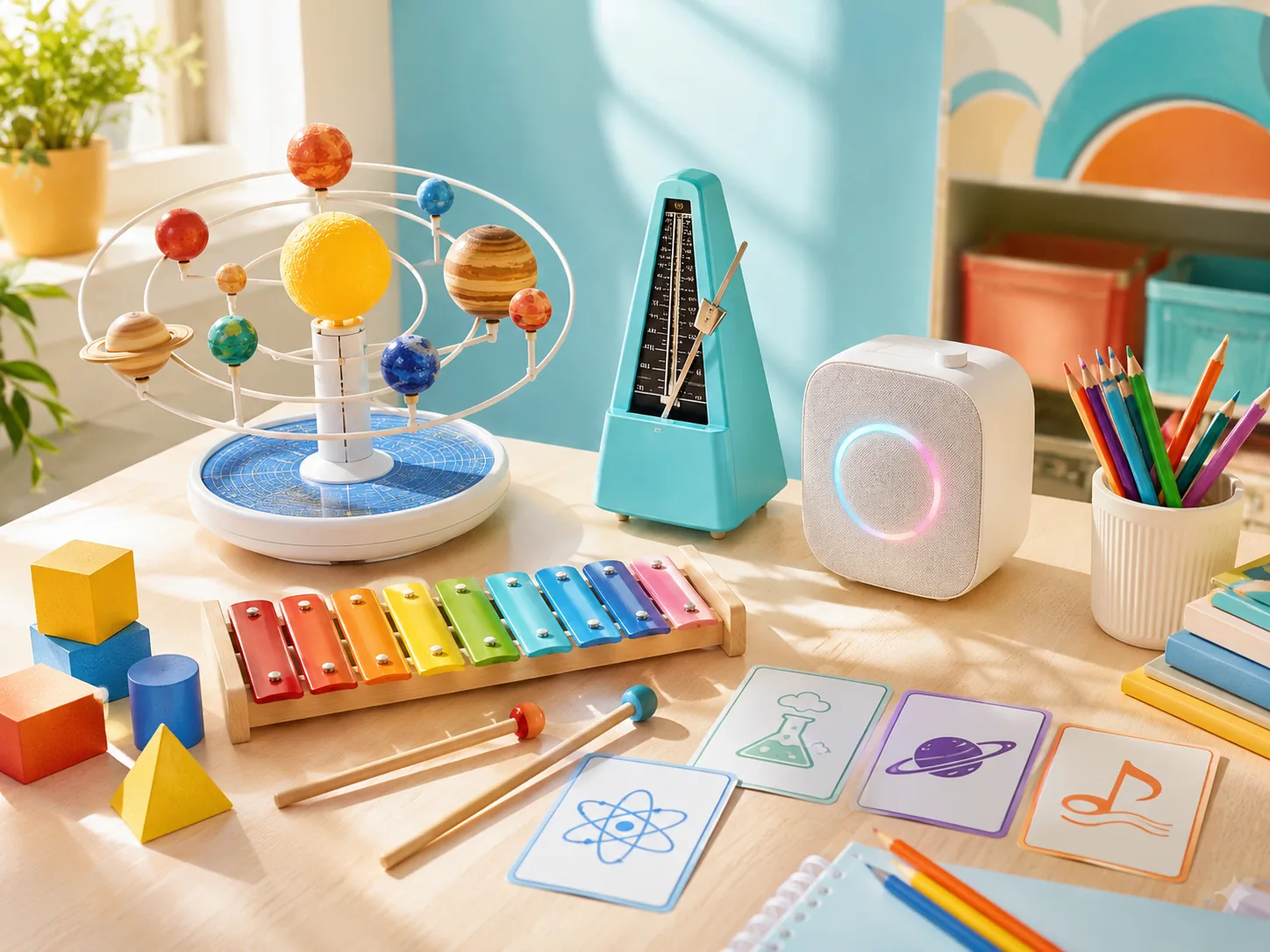
Teachers can turn a short lesson, formula, or historical idea into a structured song draft for classroom activities.
Use the lyrics to song generator for a draft, then keep the text accurate and review pronunciation before using it with students.
A short message can become a jingle or sonic direction for a campaign, product demo, or local promotion.
Use the lyrics to song generator to explore a concept before investing in a full production.
A clear five-step workflow helps you move from words to a reviewable music draft.
Start with a poem, chorus, verse, or short message you have the right to use. Section labels such as [Verse] and [Chorus] can help organize the song.
Describe the musical direction in plain language. The lyrics to song generator uses the genre, energy, instruments, and tempo you want to hear.
Choose a suitable voice and add useful guidance about delivery, pronunciation, or styles to avoid.
Submit the brief and wait for the task status. Listen to the result for melody, vocal phrasing, and arrangement before deciding what to keep.
If the result fits your plan and intended use, download it in an available format. Otherwise, adjust one part of the brief and try another version.
The value is a faster first pass with enough control to make an informed creative decision.
A generated draft can combine melody, vocals, rhythm, and instrumentation so you can judge the idea in context.
The lyrics to song generator handles the first arrangement pass in the browser. Generation time varies with the model, queue, and request.
You can explore the workflow with the credits available on your account. Review current plans, limits, and commercial rights before publishing.
Guide genre, mood, voice, tempo, lyrics, and styles to avoid. The controls narrow the direction while your judgment stays central.
Clear answers about lyrics, generation, music styles, credits, and usage rights.
A lyrics to song generator takes written text—such as a poem, chorus, or formatted lyrics—and turns it into a musical draft with melody, instrumentation, and AI vocals. You guide the result with genre, mood, voice, and other controls.
No. You can start with words and describe the feeling, genre, tempo, or vocal direction you want. The AI handles the first arrangement pass, while you decide whether the melody and delivery fit.
You can try the lyrics to song generator without committing to a paid plan when your account has free credits. Sign in to see the current allowance, model limits, and what is included before you generate.
Most requests take a few minutes, but timing depends on the selected model, queue, and request details. The task status appears in your music library while the track is being prepared.
Yes. Choose a genre and add a more specific direction such as instruments, energy, tempo, or arrangement. You can explore pop, rock, hip-hop, electronic, folk, cinematic, and other styles supported by the current model.
You keep the rights you already hold in the lyrics you provide. Rights to use generated audio depend on your plan and the material you submit, so review the current terms before publishing, licensing, or monetizing a track.
The tool currently performs best with English lyrics. Other languages may work, but pronunciation, rhythm, and phrasing can vary by model. Review the vocal result carefully before sharing it.
Treat each result as a draft. Change one or two inputs—such as genre, tempo, vocal direction, or a line that is hard to phrase—and submit another version so you can compare the difference.
You may use generated songs according to your plan terms and the rights to the lyrics or other material you provide. Review the commercial-use terms before using a track in a monetized video, client project, or product.
No. The vocal audio is AI-generated rather than recorded by a live singer. Voice character and pronunciation vary by model, so listen to the result and revise the direction when the delivery needs work.
Before publishing generated audio, review the terms of service and current pricing and usage options.
Prepare your lyrics, choose the intended sound and voice, then generate and review a track in your music library.