
Start with what you know
An AI music arranger works best with a clear reason for the music: a lyric, scene, genre reference, emotional turn, lead instrument, or moment where the audience should lean in. You do not need formal notation to start.
AI MUSIC ARRANGER
This AI music arranger moves you from a lyric, scene, or half-formed idea to a complete arrangement. Set the mood, pace, instruments, and purpose, then hear a fresh version built around how you want the music to land.
An AI music arranger gives a promising idea enough structure to evaluate. Use it when you know the feeling, story, or setting but do not want to spend an afternoon building the first version bar by bar.
An AI music arranger works best with a clear reason for the music: a lyric, scene, genre reference, emotional turn, lead instrument, or moment where the audience should lean in. You do not need formal notation to start.
The AI music arranger can develop melody, harmony, rhythm, instrumentation, vocal character, and section-to-section energy into one coherent take. The point is not to fill every second; it is to make the song or cue move with purpose.
With an AI music arranger, you can steer the title, lyrics, style, instrumental or vocal direction, and overall level of risk. Start specific when the brief is clear. Leave room for surprise when you are still looking for the hook.
This is generative arrangement software, not a DAW timeline or reconstruction tool. It creates a new performance from your direction, not a note-for-note copy.
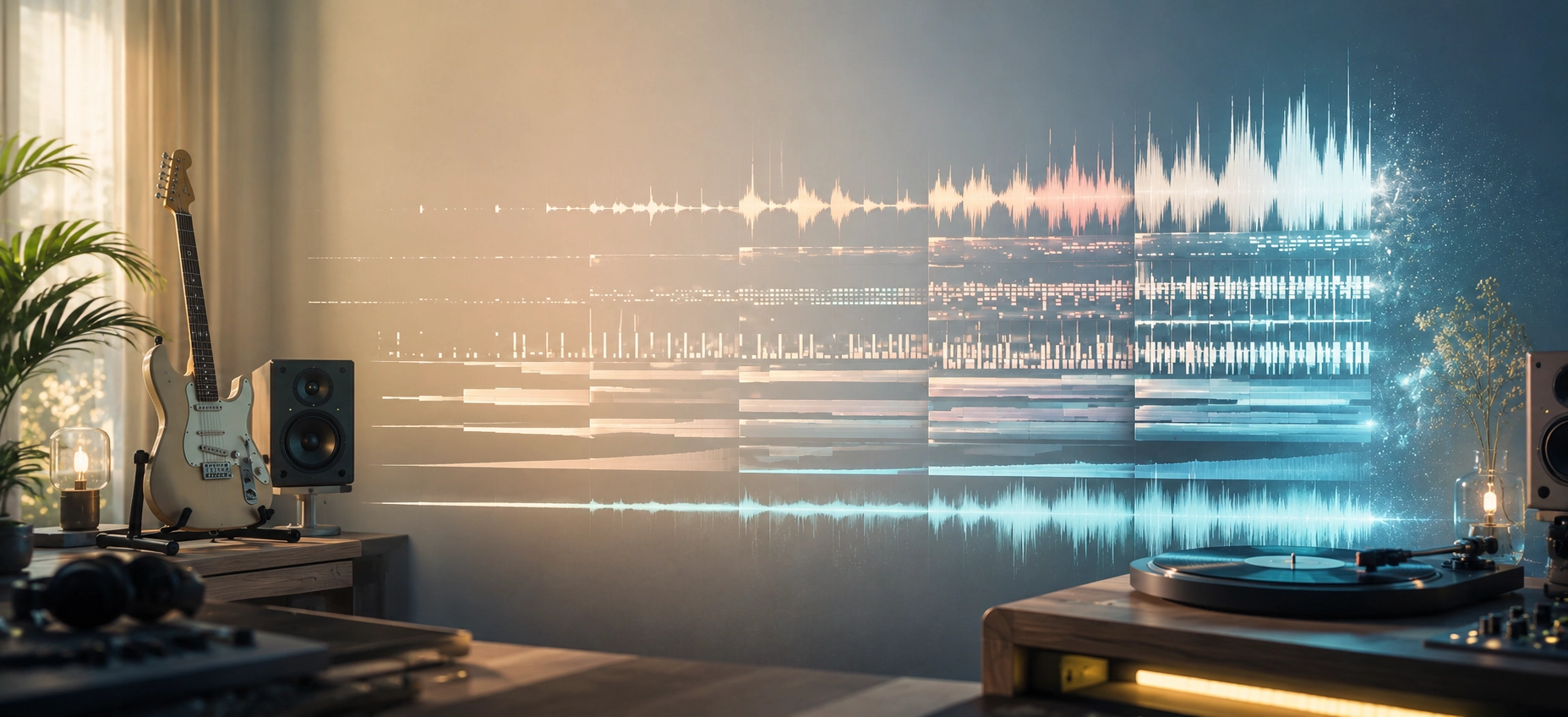
A convincing arrangement is not a pile of instruments. The AI music arranger needs a sense of arrival: what stays quiet, what changes before the hook, and where the track opens up. Pick the shape first, then evaluate the sounds inside it.
Full song
An AI music arranger can hold back the first verse, lift before the hook, and save the widest texture for the final payoff. That contrast gives the lyric somewhere to go and makes the chorus feel larger without simply pushing the level higher.
Voiceover
For narration, keep the bed present but unobtrusive. Ask the AI music arranger online for an open midrange, a low-density verse, and small lifts between spoken ideas. Check it under the real voice; even a subtle cue can tire the listener.
Seamless loop
The music arranger AI approach works well for a loop when you describe the handoff clearly. Introduce a motif, vary its texture, and return without a final cadence. A small percussion or register change creates motion without turning the loop into a lead performance.
Use the map as a starting direction, not a fixed rule. Listen for contrast in density, register, rhythm, and space. If one section is not doing a job, revise that decision before adding another layer.
The best prompt usually begins with the job the music has to do. These starting points show how an AI music arranger fits into real creative work, from a first demo to a cue that supports a finished edit.
Use an AI music arranger when your words have a clear point of view but no production yet. Ask for a spacious verse, an open chorus, and a vocal delivery that fits the speaker. Hear whether the lyric wants a close setting or a bigger pop frame before booking a session.
An AI music arranger online is useful for testing a scene before the cut is locked. Describe the edit’s pace, where tension rises, and where dialogue needs room. Start with an instrumental bed, then listen under the footage so the music supports the story rather than telling the audience what to feel.
Begin with one intimate color—piano, guitar, or close strings—and let the arrangement grow only when the scene earns it. An AI music score arranger can compare a restrained opening, a gradual lift, and a final image without losing the emotional thread.
Give the AI music arranger a short runtime, a simple hook, and a clean exit. For an intro or transition, ask for a motif that survives at low volume and leaves speech clear. Focused versions are easier to choose from than a long theme that never gets to the point.
The same AI music arranger can sketch an instrumental loop for a menu, exploration space, or calm level. Ask for a motif that returns without a hard cadence, then vary texture instead of adding drama. Leave room for play, footsteps, and the player’s attention.
When a song idea feels stuck, use an AI music arranger to test a different frame: indie folk into soft electronic, a piano ballad into cinematic pop, or a bright lyric against a darker groove. Keep the emotional center; change the musical clothing around it.
The AI music arranger does not need a wall of adjectives. Give it three anchors: what the music supports, how energy should move, and which sound should lead. That context turns a vague request into a direction you can evaluate.
01A visual story
02A spoken voice
03Deep focus
01Gentle and steady
02Slow-build release
03Immediate impact
01Piano and warmth
02Synth and pulse
03Acoustic texture
EXAMPLE BRIEF
AI music arranger brief: instrumental music for a visual story, with a sparse piano opening, a slow-build pulse, a warmer and wider chorus, clear space under dialogue, and a short ending that feels intentional rather than cut off.
When a take misses, do not discard the idea. Treat the AI music arranger like a fast sketch partner: name the problem, change one part of the brief, and listen for one improvement. This reveals whether the issue is structure, density, or the ending.
WHAT YOU HEAR
Every section arrives at almost the same density, so the chorus does not feel bigger than the verse. The AI music arranger may be following your instrument list while missing the dynamic shape underneath it.
CHANGE THE BRIEF
Ask for a sparse verse, a rising pre-chorus, a wider chorus, and one reserved final lift. Describe what changes in rhythm, register, or space—not just which instruments should be added.
Compare the first verse and final chorus at the same volume. You should hear a real change in space, rhythm, or instrumentation, not only a louder master. If both sections feel equally busy, make the early section simpler.
WHAT YOU HEAR
The music sounds full on its own, but narration or a lead vocal has nowhere to sit. This is a common reason people look for AI music arranger software: they want a faster way to try a cleaner, more supportive bed.
CHANGE THE BRIEF
Reduce lead activity and midrange density under the words. Ask for movement between phrases, shorter fills, and a lighter arrangement while the singer or narrator is active.
Play the track under the spoken line or the real vocal. If you need to raise the voice to understand it, the arrangement is still doing too much. Space is a musical choice, not dead time.
WHAT YOU HEAR
The track stops when generation ends, or introduces a new idea right before the final second. Even a strong song can feel like a rough draft when the last decision is missing.
CHANGE THE BRIEF
Repeat the motif once, let the last section breathe, and ask for a short tail or a deliberate clean stop. If you need AI music arranger free online tests, use them to compare ending behavior before committing to a longer version.
Skip to the last ten seconds. The ending should sound like a decision, not an accident. For a loop, remove the final cadence; for a song, give the listener a clear release or a reason to stay suspended.
If you are comparing an AI music arranger free option, a full production workflow, or a traditional session, the practical differences matter. Here is what to expect before you take a generated idea into an edit, rehearsal, or client delivery.
Describe the energy change by section rather than listing more instruments. Ask for a restrained verse, a lift before the chorus, a wider hook, and one reserved peak. Compare rhythm, space, and texture. The best AI music arranger results come from a clear arc, not a longer adjective list.
Yes. A free online test can show whether an idea has legs for a rough demo or a private mood board. Check limits, export options, and usage terms before publishing. For commercial work, treat the AI music arranger free online stage as a sketch until you confirm the plan and rights.
The phrase AI music arranger sheet music usually means printable notation, lead sheets, or a player-ready score. This tool is built for hearing a new audio arrangement, not engraving notation. Use the generated idea as a reference, then prepare sheet music in notation software or with a musician.
No. AI music arranger software helps you explore a direction quickly, but a DAW is still the place for exact timing, stem edits, automation, mixing, and a final master. Use the arranger for the sketch and the DAW for hands-on decisions.
People searching for music arranger AI are usually starting with an idea, lyric, or brief and need a full direction. An AI music arranger online follows that starting point and shapes a new song or cue. Use the song extender when an existing track works and you want a new verse, bridge, or outro from a chosen handoff.
DoreArt AI supports free credits to help you get started. The exact signup amount is configured for the current account and is shown after you sign in, while paid monthly plans include 300, 1,000, or 2,500 credits.
Generation time depends on your prompt. The maximum duration varies by model, and you can see the available duration when you select a model before generating.
Yes. DoreArt AI supports MP3 and WAV exports, with different paid plans supporting different formats. Check the current plan details before downloading a final file.
Commercial use rights depend on your plan. Review the commercial-use terms for the plan that generated the track before publishing it in monetized videos, client work, products, or other commercial projects.
Copyright ownership and usage rights depend on your plan. Only upload audio that you own or have permission to use, and do not upload someone else’s copyrighted audio.
The AI music arranger supports lyrics and text prompts. Describe the mood, style, instruments, or story in text, or add lyrics to guide the arrangement and vocal direction.
No. A failed generation does not deduct credits, so your credits remain available for another attempt.
Start with a prompt or lyrics, compare a few directions, then choose the plan that fits your creative workflow.