How to Cover a Song with AI: Complete Beginner Guide
Learn how to explore an AI song cover workflow with DoreArt AI, from preparing an audio file to reviewing a generated result.
Want to cover a song but can't sing? Or maybe you want to hear a track reimagined in a whole new style? An AI workflow can help you explore a cover idea without setting up a full recording session.
This guide shows you exactly how to do it, step by step.
What Does "Covering a Song with AI" Actually Mean?
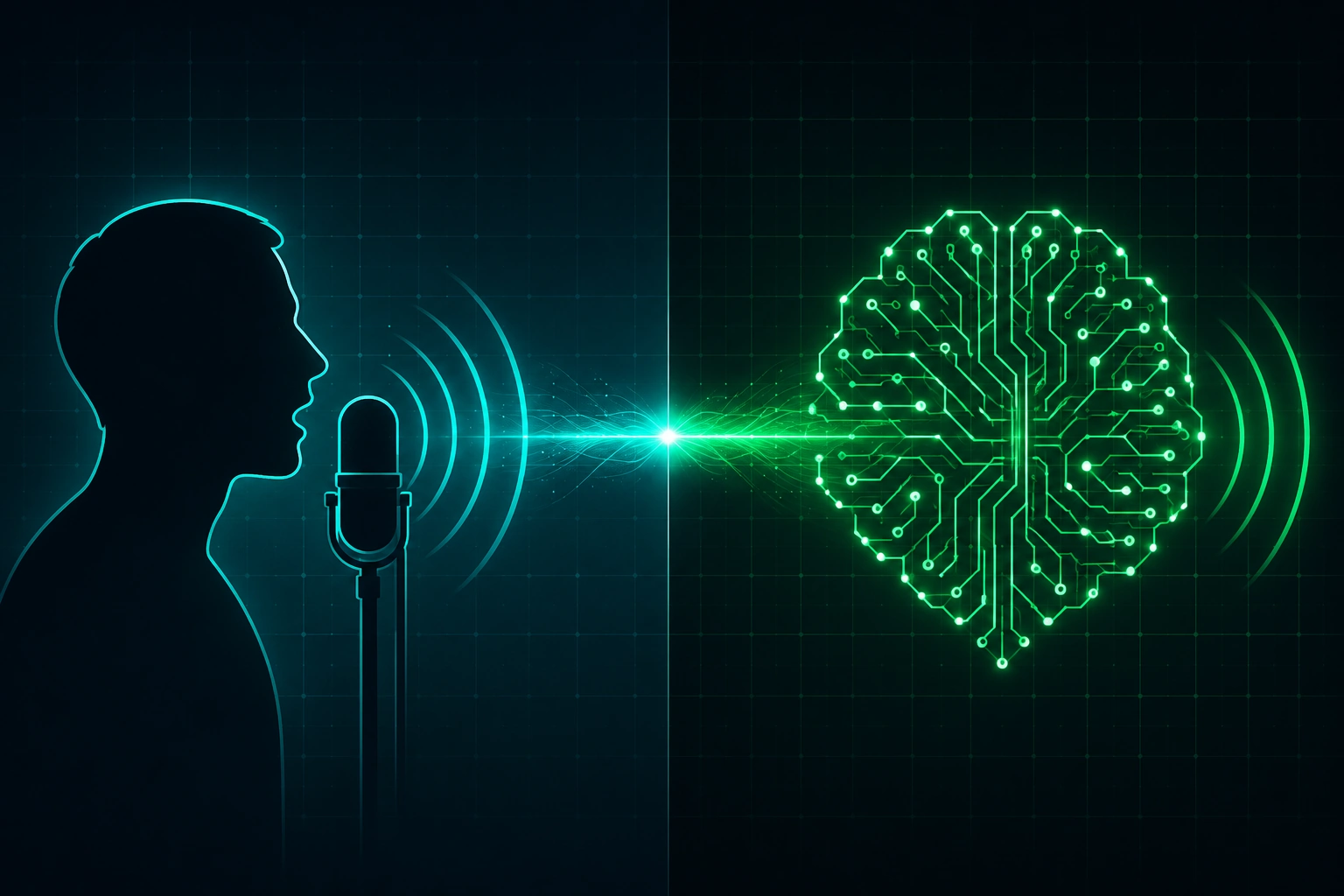
A traditional cover means a singer performs someone else's song in their own way. An AI cover does the same thing — but an AI model handles the vocals instead of a human.
You pick a song. You pick a voice style. The AI sings it.
The result depends on the source recording, model, and settings. Treat the first generation as a draft: listen for timing, pronunciation, vocal artifacts, and changes in the arrangement before sharing it.
Why Are People Obsessed with AI Song Covers Right Now?
Three reasons it's exploding:
- Zero singing required. You don't touch a mic. The AI does all the vocal work.
- Any voice, any genre. Turn a pop song into jazz. Hear a hip-hop track in a classical tenor. The creative options are wide open.
- A quick creative loop. Some workflows can return a draft quickly, but processing time depends on the file length, model, and current capacity.
Creators use AI covers to test ideas, sketch arrangements, or experiment with a new sound. If you publish the result, check the rights for the source song, voice, and any generated material first.
How to Cover a Song with AI Using DoreArt AI — Step by Step
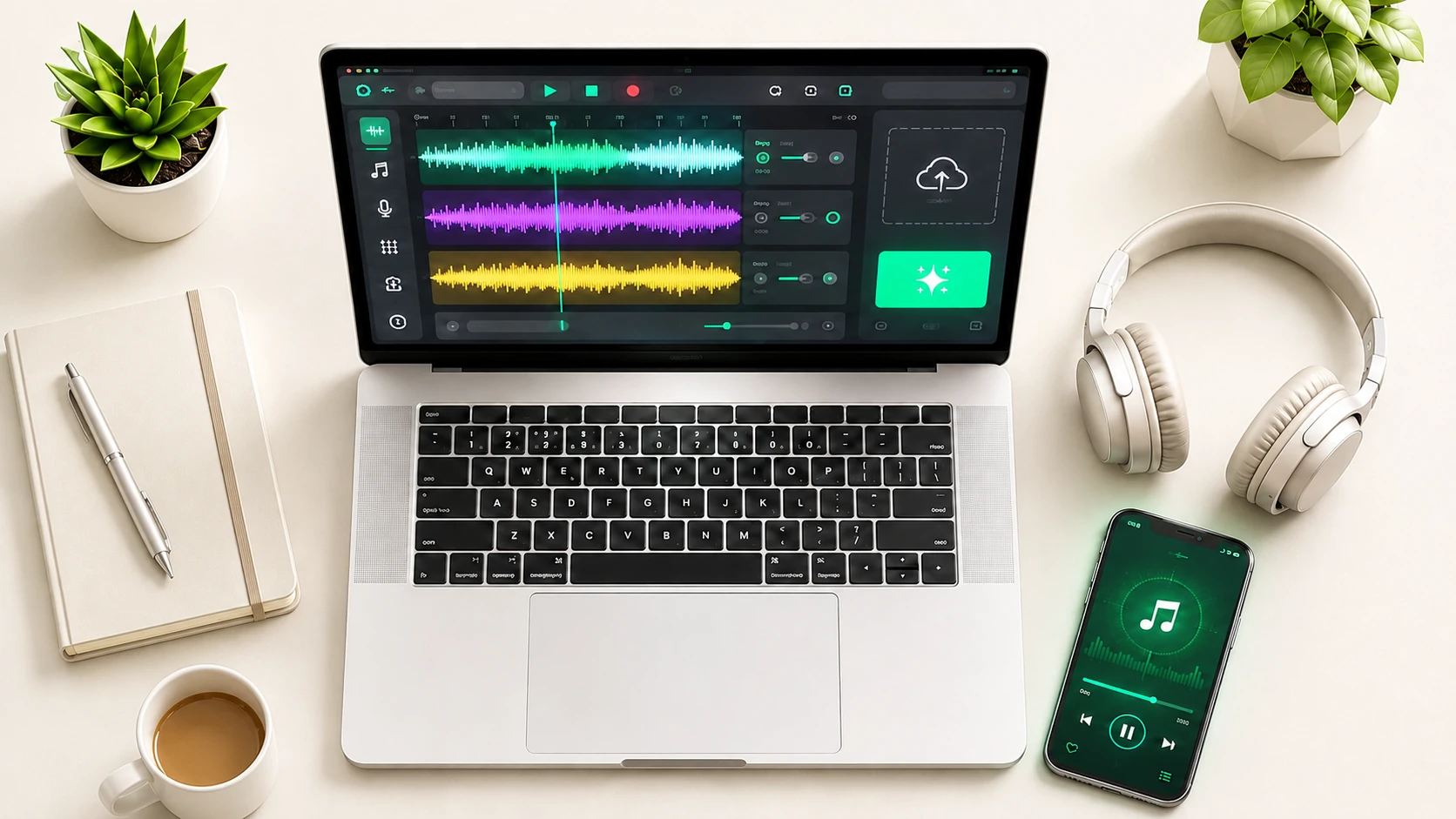
[DoreArt AI's audio-to-audio workflow is designed to keep the main cover steps in one browser-based flow. Here's the process to follow when the feature is available in your account:
Step 1: Go to DoreArt AI. Open doreartai.com in your browser. No app download needed — it runs entirely in your browser.
Step 2: Upload your song. Click the upload button and choose an audio file you own or have permission to process, such as an MP3 or WAV file, subject to the current uploader limits.
Step 3: Let the tool prepare the audio. Let the tool process the upload and prepare it for the generation workflow. Processing time depends on the file length and current capacity.
Step 4: Choose your style. Pick how you want the song to sound. You can change the genre, the vocal character, or the overall mood. DoreArt AI's music arranger lets you set a target style — jazz, orchestral, lo-fi, whatever fits your vision.
Step 5: Generate and review. Start generation, preview the result, and download or share it only if it meets your needs and the current plan supports the action.
You may not need separate mixing software for an initial draft, but a DAW can still help with final editing, mastering, or release preparation.
Tips for a Better AI Cover
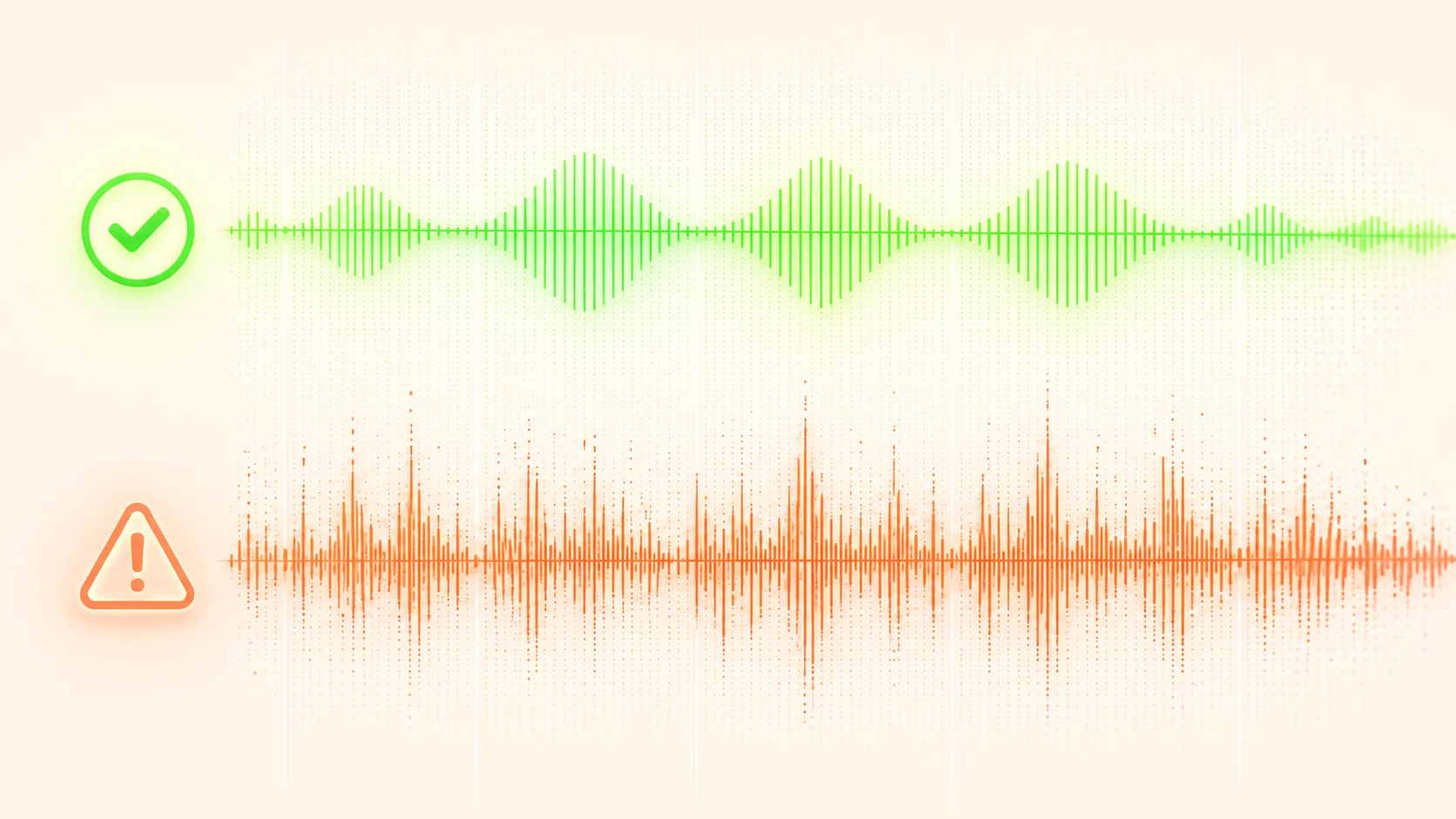
Getting a decent AI cover is easy. Getting a great one comes down to a few small things:
- Use a clean source file. Background noise or low-quality audio confuses the AI. Start with a good recording for best results.
- Match the style to the song. A heavy metal track re-arranged as bossa nova is fun, but the AI performs best when the source genre and target style aren't too far apart.
- Preview before sharing. AI vocals occasionally stumble on unusual word pronunciations or long sustained notes. Give it a 30-second listen before posting.
- Think about copyright. AI covers are a creative tool, not a loophole. If you're publishing publicly, check the original song's license and give credit where it's due.
Which AI Cover Workflow Fits Your Goal?
Different workflows start with different inputs. Compare the current product documentation before choosing a tool, because supported formats, models, exports, and usage rights can change.
| Workflow | Starts with | Useful when | Check first |
|---|---|---|---|
| Audio-to-audio | An existing recording | You want to explore a new arrangement or style | Input format, rights, and export terms |
| Prompt-to-song | Text, lyrics, or a short brief | You want a new original idea | Whether it supports an existing recording |
| Voice-focused conversion | Vocals or a prepared stem | You want to test a vocal direction | Model permissions and usage rights |
Conclusion
Covering a song with AI can be a practical starting point for exploring an arrangement, vocal direction, or production idea without a complete recording setup.
If you want to try it today, visit DoreArt AI and confirm the current input, generation, export, and usage terms before you begin.